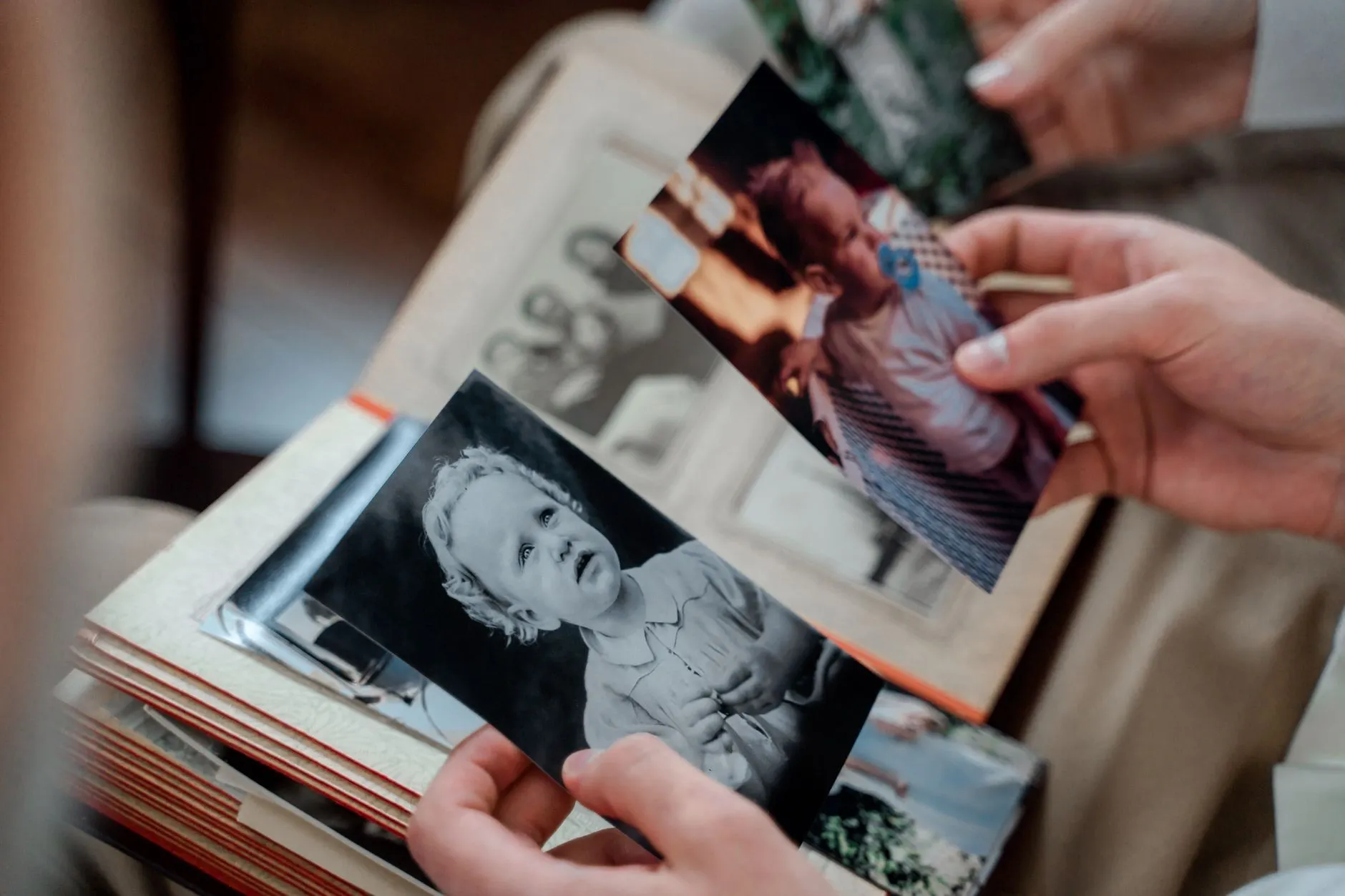
Free tool
How big can that photo go?
The print in your hand, the scanner you have, and the largest frame the combination honestly supports.
Enlargement calculator
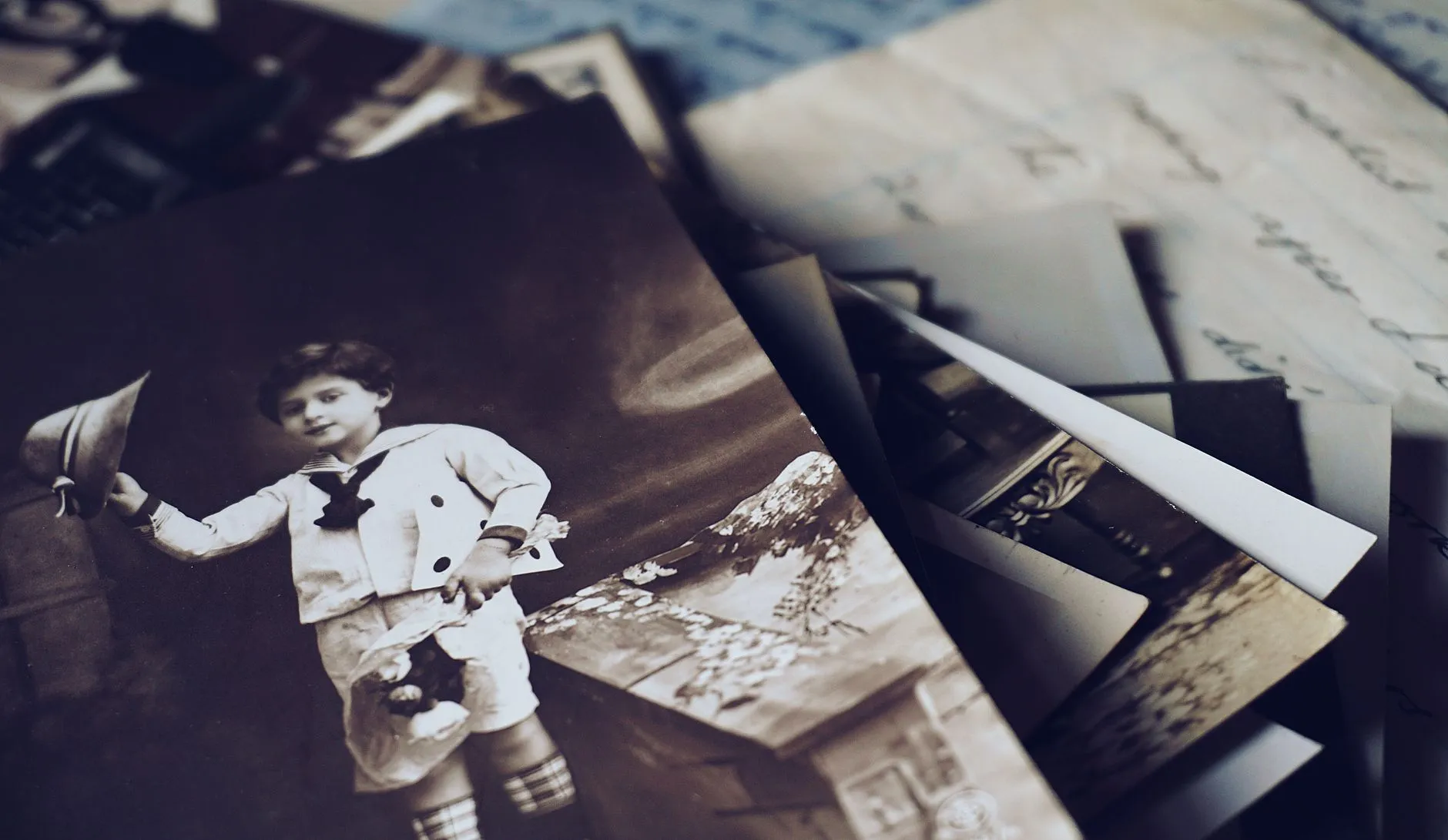
What actually limits an enlargement
Two ceilings apply, and people usually only calculate one. The first is arithmetic: the pixels your scan captures, divided by the sharpness a viewing distance demands. The calculator handles that. The second is the print itself. A 1950s contact print holds beautiful detail; a 1978 machine print of a snapshot may already be slightly soft at its native size, and enlargement magnifies the softness along with the smiles.
The practical workflow for a big enlargement of a small old photo: scan at the highest setting the calculator rewards, repair and enhance the file, and only then print. Enhancement between scan and print is what moves a result from the wall-display grade into the excellent grade; it rebuilds facial detail the arithmetic says you do not have.
Start from the file instead of the print? Use pixels to print size. Not sure about the scan setting? The DPI advisor answers in two questions.
Common questions
- Can I enlarge an old 4 x 6 photo to 8 x 10?
- Yes, comfortably, if you scan it at 600 DPI or better. That produces 2400 x 3600 pixels, which prints 8 x 10 at full gallery sharpness with pixels to spare.
- How much can you enlarge a wallet-size photo?
- Scanned at 1200 DPI, a wallet print reaches about 10 x 14 inches at wall-display quality. The limiting factor becomes the print itself: grain, softness and damage enlarge along with the faces.
- Why do enlargements look blurry?
- Usually because the source was scanned at too low a resolution, so the printer stretched too few pixels across too many inches. Sometimes the original was slightly soft and nobody noticed at 4 x 6. Rescanning higher fixes the first cause; enhancement addresses the second.
- Does AI enlargement actually work?
- For faces and portraits, modern enhancement is genuinely good: it rebuilds plausible detail rather than stretching pixels. It is reconstruction, not recovery, so treat the result as a beautiful print of the person, not forensic evidence of the negative.
Between the scan and the frame, there is the fix
Enhancement is what lets a wallet-size print of someone loved survive becoming a wall print. Photo Restore rebuilds the detail on your iPhone before you send it to the printer.