Free tool
Scanning 35mm film: the real numbers
A 35mm frame is 24 x 36 millimetres, so print DPI intuition fails completely. Pick a setting and see what it truly produces.
35mm film scan calculator
Why film DPI numbers are so large
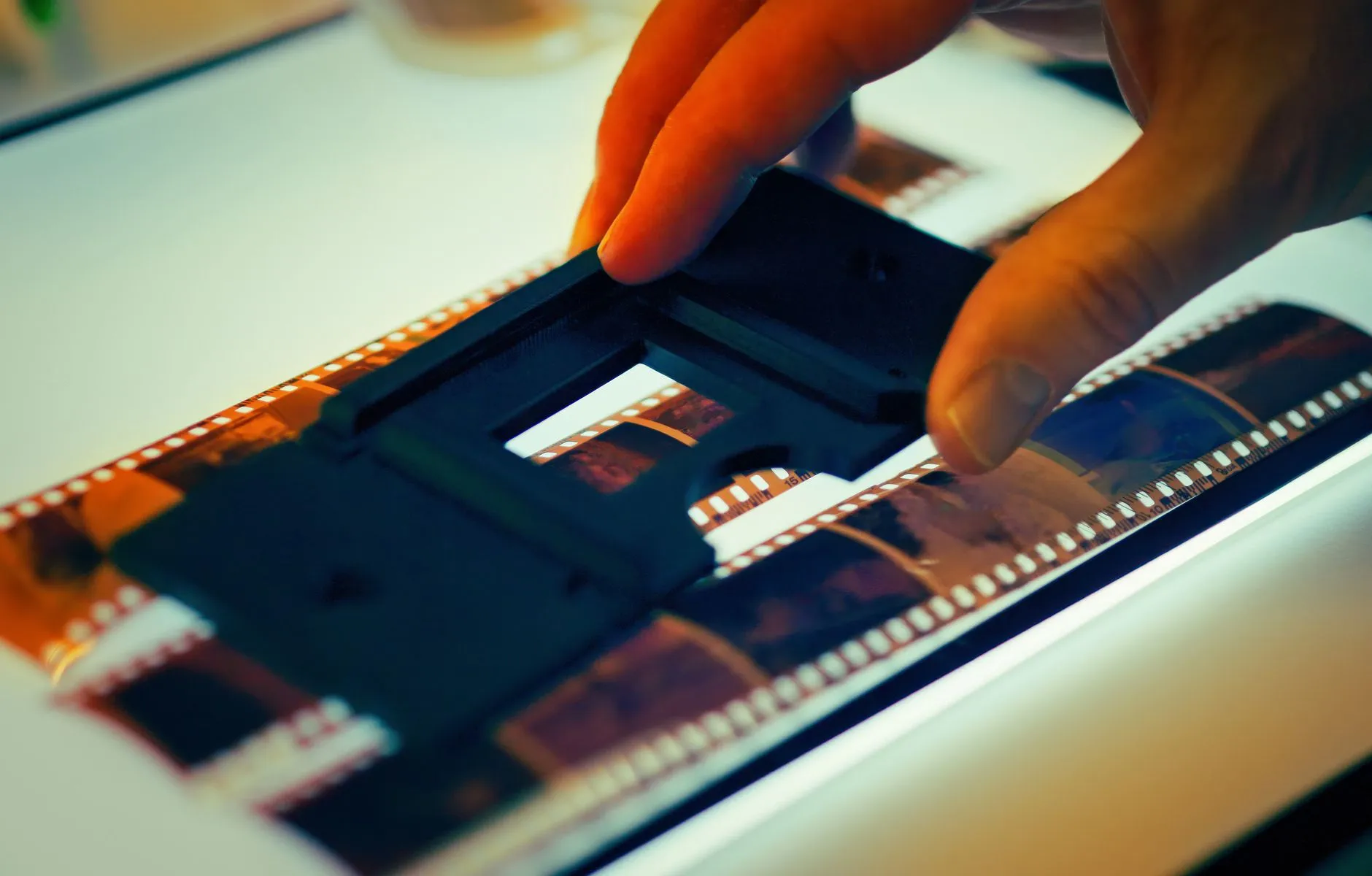
DPI measures the original, and the original here is one and a half inches wide. The film itself holds the equivalent of roughly 3000 to 4000 DPI of real detail for consumer stocks, which is why dedicated film scanners target exactly that range and why the settings above stop being useful past it. A scanner box advertising 7200 DPI is quoting the stepper motor, not the optics; the file gets bigger, the detail does not.
For prints rather than film, the numbers are entirely different: use the print DPI advisor instead. And once frames are scanned, faded slide colour is one of the things the app corrects well; fifty years of dye shift is a one-tap fix rather than an afternoon in an editor.
Common questions
- What resolution should I scan 35mm slides at?
- 3000 DPI is the practical sweet spot for well-exposed slides: about 12 megapixels and a sharp 8 x 12 print. Go to 4000 DPI for your best frames or anything you may crop; beyond that, consumer scanners mostly enlarge grain rather than reveal detail.
- Is scanning negatives different from scanning slides?
- The resolution maths is identical; the frame is the same 24 x 36 mm. Negatives additionally need inversion and colour correction, which scanner software handles, and they tolerate scanning slightly better because they hold more dynamic range than slides.
- Why does 300 DPI make no sense for film?
- DPI counts dots per inch of the original, and a 35mm frame is barely an inch and a half wide. At 300 DPI it yields a 425 x 283 pixel file, smaller than an email signature. Film needs thousands of DPI precisely because the original is tiny.
- Can I scan film on a flatbed scanner?
- Only with a transparency unit, a light in the lid. Flatbeds with one, like Epson Perfection models, do a respectable job to around 2400 effective DPI. Without one, photographing the film on a light table with a macro lens beats any reflective scan.
Fifty years of dye fade, one tap
Once the frames are scanned, Photo Restore rebalances the colour the decades took and sharpens what the lens caught. The slides never looked this good on the projector.